Orthic Labs / Notes / Architecture
Architecture · how to tell if a desktop app sends data to the cloud
How to Tell If a Desktop App Sends Data to the Cloud
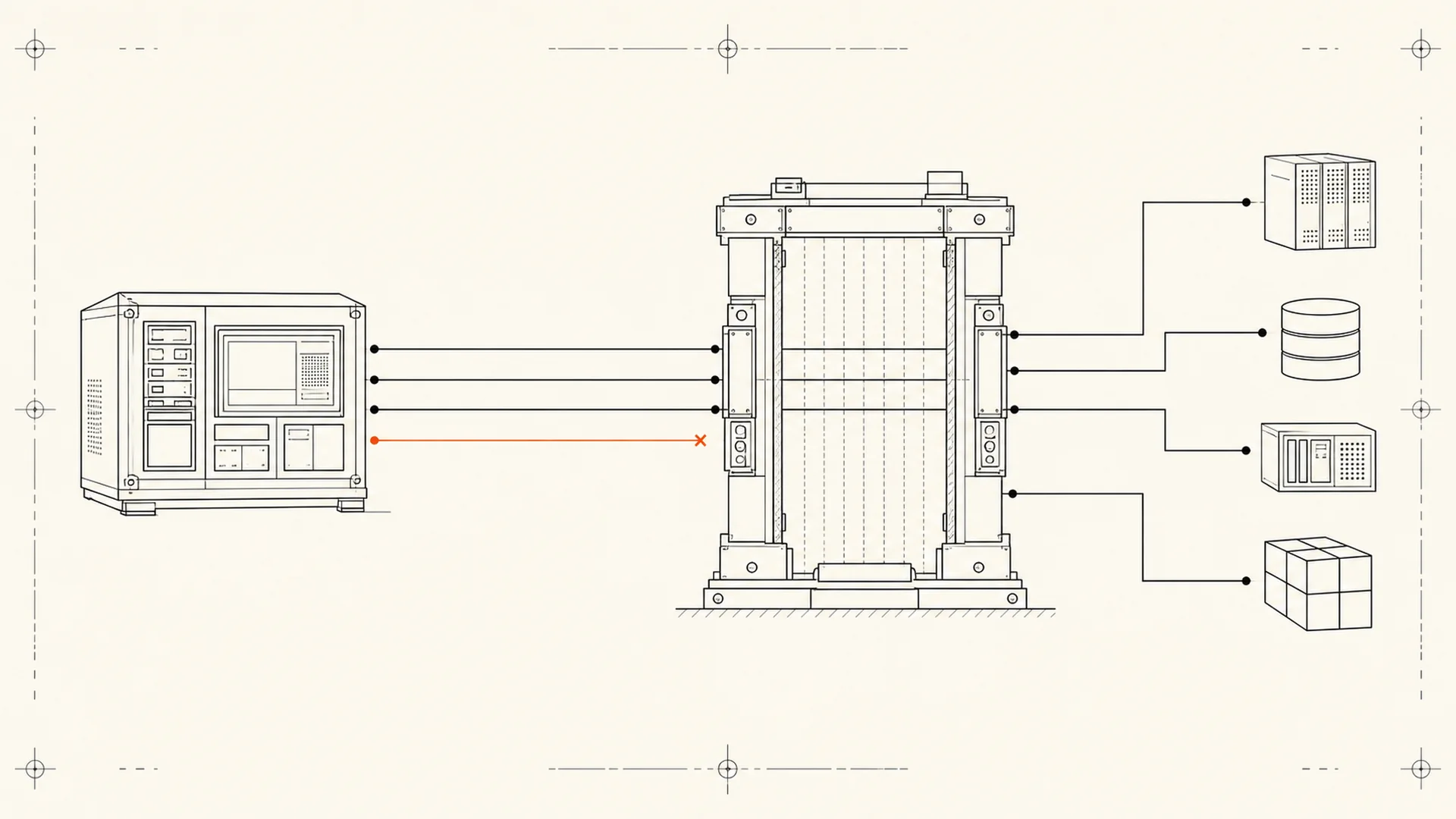
To test whether a desktop app sends data to the cloud, observe its network connections while triggering one action at a time, then compare each destination and payload expectation with the publisher's documentation. An idle test alone proves very little.
This is an investigation, not a magic privacy scan. You can usually determine whether a process opens a connection and which remote address it contacts. Determining exactly what the encrypted connection contains may require deeper tooling, source inspection or a controlled test environment.
Start with the publisher's claimed boundary
Before opening a monitor, write down what the product says will happen.
For each action, record:
- Does the core job claim to run locally?
- Does the product download models or components?
- Does it check a license?
- Does it check for signed updates?
- Does it fetch a URL you provide?
- Does it synchronize an account?
- Does it call an optional provider using your key?
- Does it send diagnostics or crash reports?
The test is not “Did any packet move?” A local-first app may legitimately contact its update server. The test is whether observed connections match a specific, disclosed purpose.
Build a clean test sequence
Use a fresh application launch and trigger one operation at a time:
- Start the network monitor before the app.
- Launch the app and wait without interacting.
- Record every process and destination that appears.
- Perform one local action, such as opening a local file.
- Return to idle and let connections settle.
- Perform one explicitly networked action, such as checking for updates.
- Repeat the action with the network disconnected.
- Compare the result with the documented boundary.
Close unrelated applications where practical. Browsers, synchronization clients, operating-system services and auto-updaters create noise. Do not attribute a connection to the app merely because it appeared at the same time; identify the owning process.
Windows: inspect process-owned connections
Microsoft's TCPView lists TCP and UDP endpoints, local and remote addresses, connection state, and the process that owns each endpoint.
A useful Windows pass:
- Open TCPView.
- Find the application process and any helper processes it launches.
- Disable hostname resolution temporarily if you need to see raw addresses.
- Save a baseline before triggering the workflow.
- Watch for new endpoints as the action runs.
- Record the destination, process, timing and action.
Do not close a connection merely because it is unfamiliar. First identify the domain owner and the feature that caused it. Update delivery, license activation, web content, fonts, analytics and crash reporting can all appear as separate destinations.
macOS: observe traffic, then identify the process
Apple's Activity Monitor network view shows data and packet activity for running processes. Use it to compare the app before, during and after a controlled action.
Activity Monitor is good for answering “Which process moved data?” It may not explain the destination or payload. If the process shows activity that the documentation does not explain, escalate to a more detailed connection monitor or packet-capture workflow appropriate to your technical level.
What counts as expected traffic?
Expected traffic has four properties:
| Property | Good disclosure |
|---|---|
| Trigger | “Checking for updates contacts the update service.” |
| Destination role | “Gmail sync talks directly to Google APIs.” |
| Data class | “The URL you entered is sent to that source.” |
| Control | “Optional provider calls can be disabled.” |
The exact hostname may sit behind a content-delivery network and change. The important part is that the purpose, data class and control are legible.
What should make you investigate further?
- A local-file action triggers unexplained sustained uploads.
- A disabled feature continues contacting its service.
- The app connects before consent to optional analytics.
- A helper process has no documented role.
- The privacy page says “local” while core results fail without a network.
- The app cannot identify what a destination receives.
- The product uses “anonymous” as a substitute for naming collected fields.
One unexplained connection is a question, not a conviction. The process may be checking certificate status, system time, updates or a dependency. Ask the publisher for a precise answer and repeat the test.
What this test cannot prove
No observed traffic does not prove no future traffic. The feature may be scheduled, conditional or triggered only by an error.
Encryption hides content by design. A TLS connection can reveal destination and timing without revealing the transferred fields.
A desktop app can access local data. Microsoft notes that traditional Windows desktop apps are not governed by every Microsoft Store privacy control. Installation therefore creates a different trust boundary from opening a website: Windows desktop apps and privacy.
Source inspection is not runtime proof. The distributed binary, dependencies and configuration must match the source you reviewed.
The publisher's job
A product should publish its own network table. Users should not need packet analysis to learn the intended architecture.
For every external path, document:
- The user action that triggers it.
- The service contacted.
- The data sent or requested.
- Whether it is required, optional or disableable.
- Whether Orthic or another intermediary relays it.
- What still works offline.
That is the standard behind local-first software: not a promise that every packet is forbidden, but a boundary the user can understand and test.
Frequently asked questions
Does network traffic mean the app uploads your content?
No. Traffic may be an update check, license request, certificate check or other small exchange. You need the destination, timing, transferred amount and product documentation before inferring that content was uploaded.
Can you test an app by blocking the internet?
Yes, as one part of the test. Disconnecting reveals which workflows depend on a network, but it does not identify the destination or data class and may prevent legitimate prerequisites such as model downloads.
Does “runs locally” mean no telemetry?
No. Local processing and telemetry are separate properties. An app can perform the core computation locally while sending diagnostics, usage events or crash reports. The publisher should disclose both.
Is a firewall enough to guarantee privacy?
A firewall can restrict connections, but it cannot by itself explain local file access, data stored on disk, permitted destinations or traffic routed through another allowed process. Treat it as one control in a broader review.
Make the boundary visible
Read what local-first software means and how a repository becomes a product. Then use the worksheet against the specific app you intend to install.
About Orthic Labs: Orthic Labs is an independent software publisher. It turns open-source ingredients into finished, documented and supported desktop software.